

eSense SDK for macOS
Software-only SDK – no eSense sensors included.
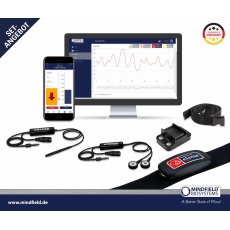
This is a software-only development kit. No eSense sensors are included – the matching sensors are required separately. Here is how to get the hardware:
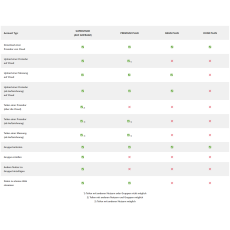
- Full audio sensor set: Professional Set incl. Mobile SDK – or individually in the eSense sensor shop (Skin Response, Temperature, Respiration, Pulse).
- Muscle (EMG) / EEGenius (EEG): „the Kit“ incl. C#/Unity SDK and test device.
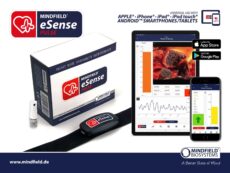
This is our eSense SDK (Software Development Kit) for developing your own macOS software for the Mindfield eSense sensors. The native Swift SDK covers the three audio sensors (Skin Response, Temperature, Respiration) and connects the pulse via the Bluetooth standard. It shares a Swift Package Manager codebase with the iOS SDK – one model, one API for Mac and iPhone/iPad.
It may be used without limit for commercial and non-commercial projects – royalty-free. The eSense sensors themselves are not included in the SDK and are ordered separately.
Who is this SDK for?
For macOS developers building biofeedback and research applications in Swift – from desktop tools to coaching software to lab applications. You get raw and calibrated sensor data in real time and a native demo app in source code.
What’s included
Native Swift SDK for the three eSense audio sensors plus pulse connectivity via the Bluetooth standard:
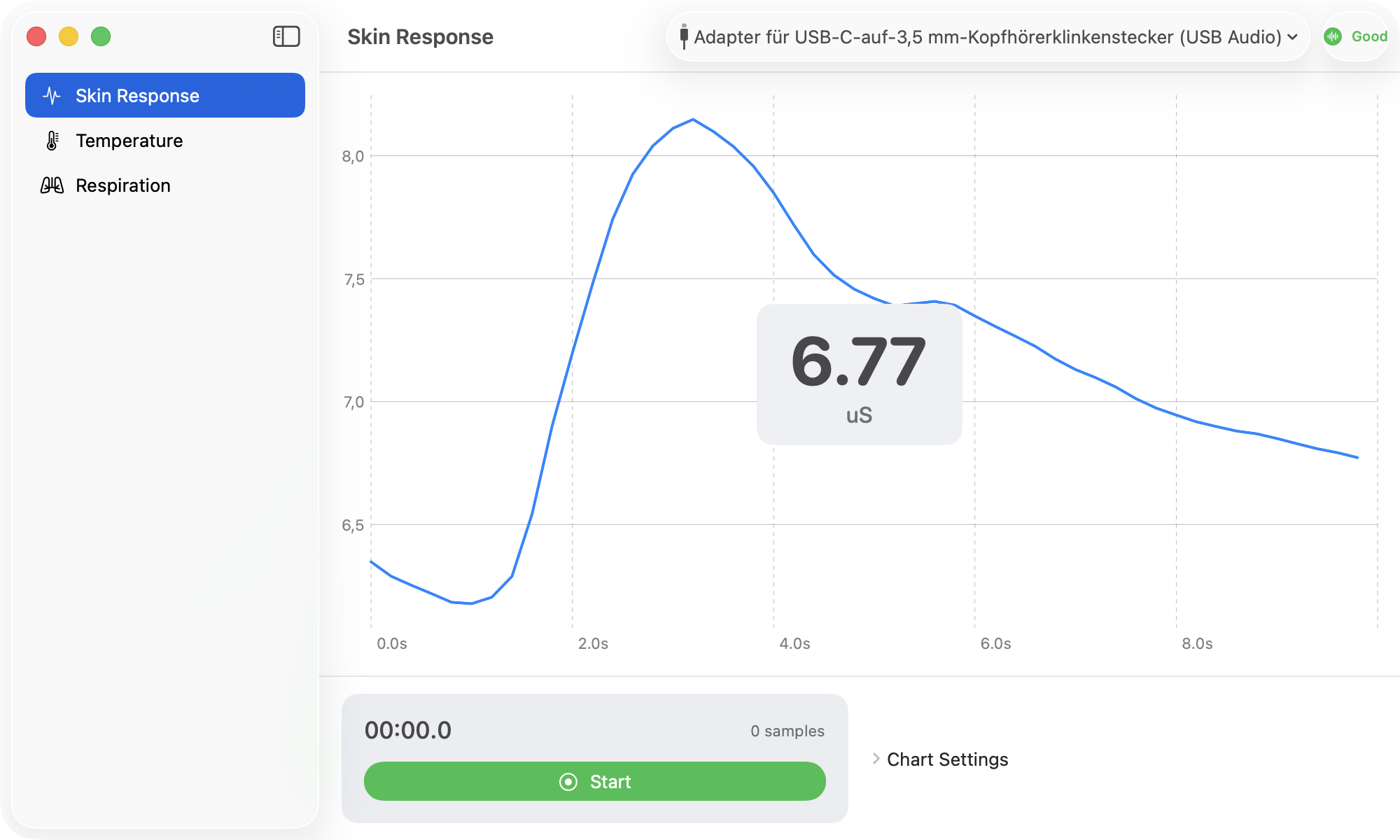
- eSense Skin Response — electrodermal activity (EDA / GSR), calibrated values in microsiemens (µS)
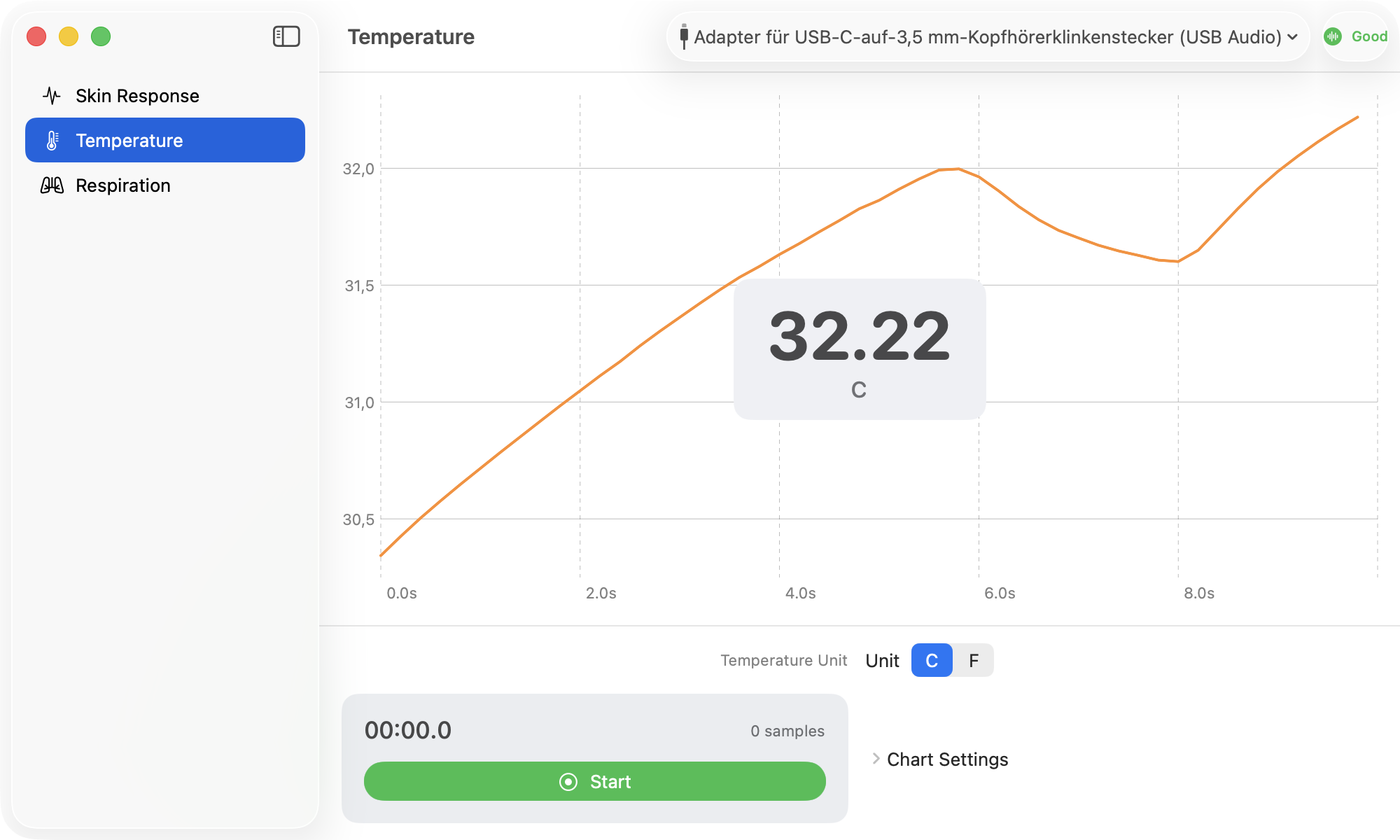
- eSense Temperature — skin temperature in °C or °F
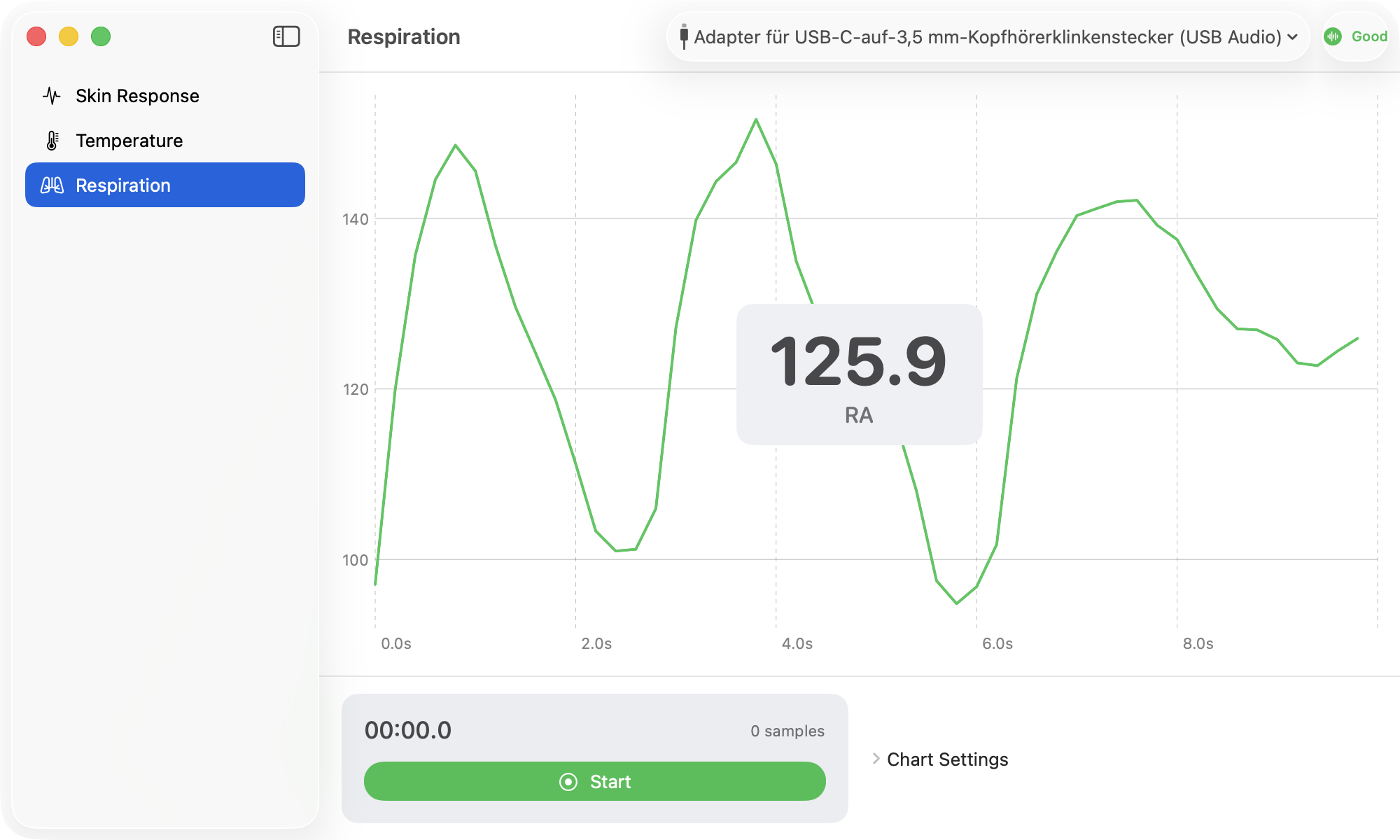
- eSense Respiration — breathing amplitude (RA)
- eSense Pulse — heart rate (BPM) and RR intervals via the Bluetooth heart-rate service standard (UUID 0x180D), no custom SDK required
Also:
- Fully functional native macOS demo app in source code
- Distribution via Swift Package Manager (SPM), API reference as a DocC catalog
- Shared codebase with the iOS SDK (v3.2, iOS 17+ / macOS 14+)
- Lifetime updates of the purchased platform version
- Unlimited commercial and non-commercial use, no royalties
Technical specification
| Platform | macOS 14+ |
|---|---|
| Language | Swift |
| SDK version | 3.2 (eSense SDK Suite v5.0) |
| IDE | Xcode |
| Distribution | Swift Package Manager (SPM) |
| API reference | DocC catalog |
Sensors on the Mac
EDA · µS
°C / °F

RA

BPM · HRV
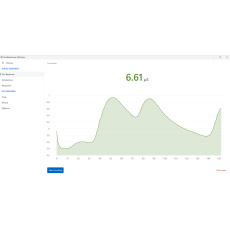
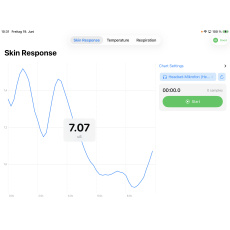
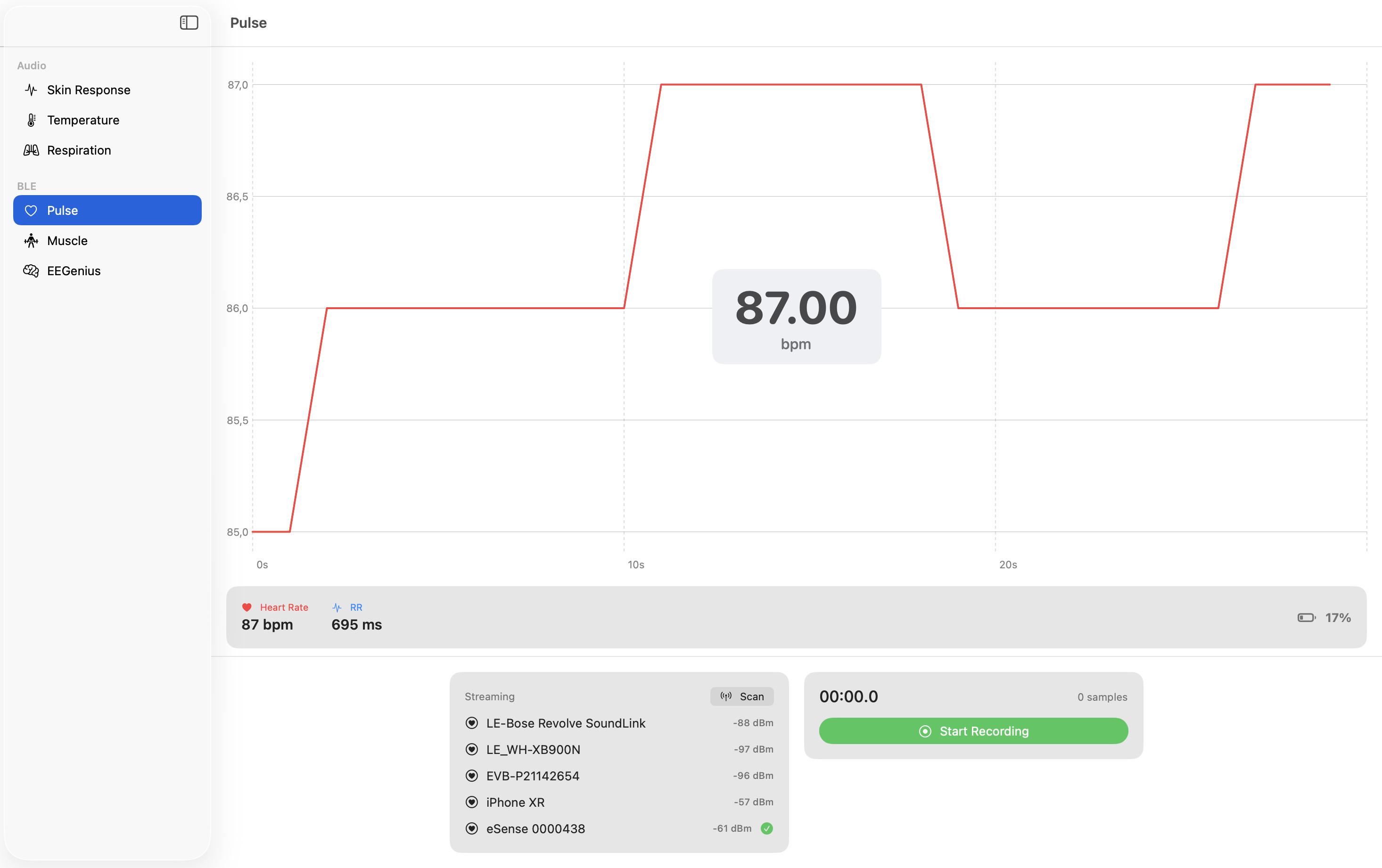
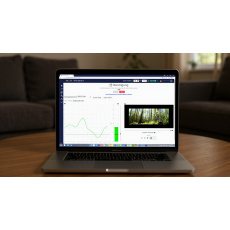
The native macOS demo app in action
The included native demo app streams the audio sensors in real time on the Mac:
Connecting the audio sensors
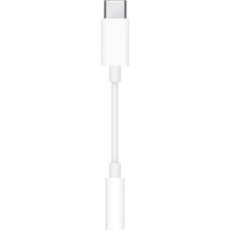
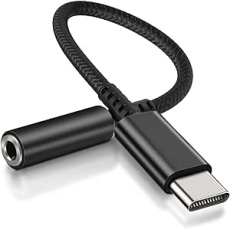
The eSense audio sensors connect via the 3.5 mm audio jack. MacBooks with a headphone jack can read the sensors directly; devices without a jack require an active USB-C DAC adapter (passive adapters do not work). For Mac and iOS we recommend the original Apple USB-C to 3.5 mm headphone adapter, which we have tested with the eSense sensors. You will find more tested adapters and notes in our helpdesk article “Adapters for Android and Apple devices”. A wireless Bluetooth variant of the audio sensors is in development (from Q1 2027).
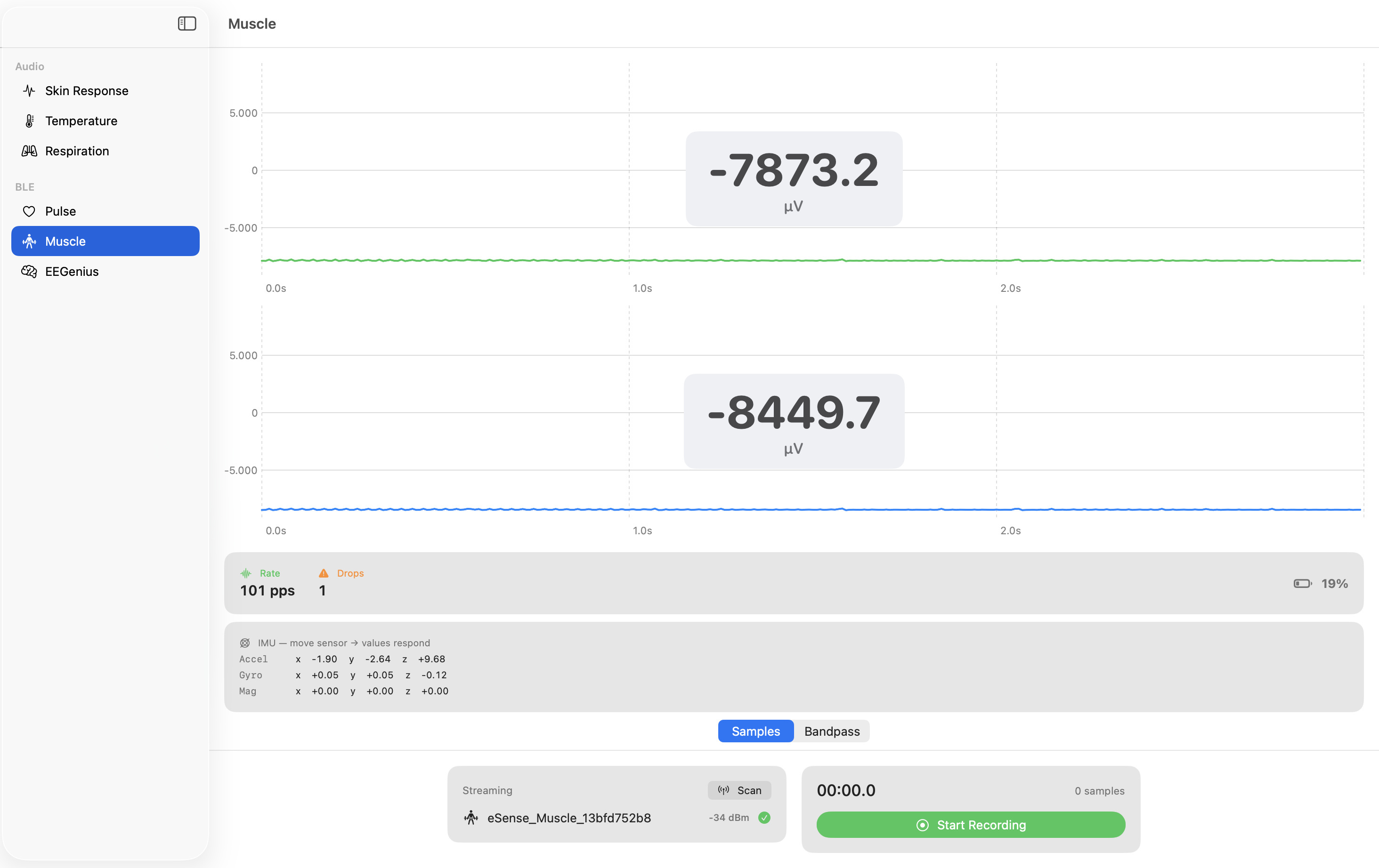
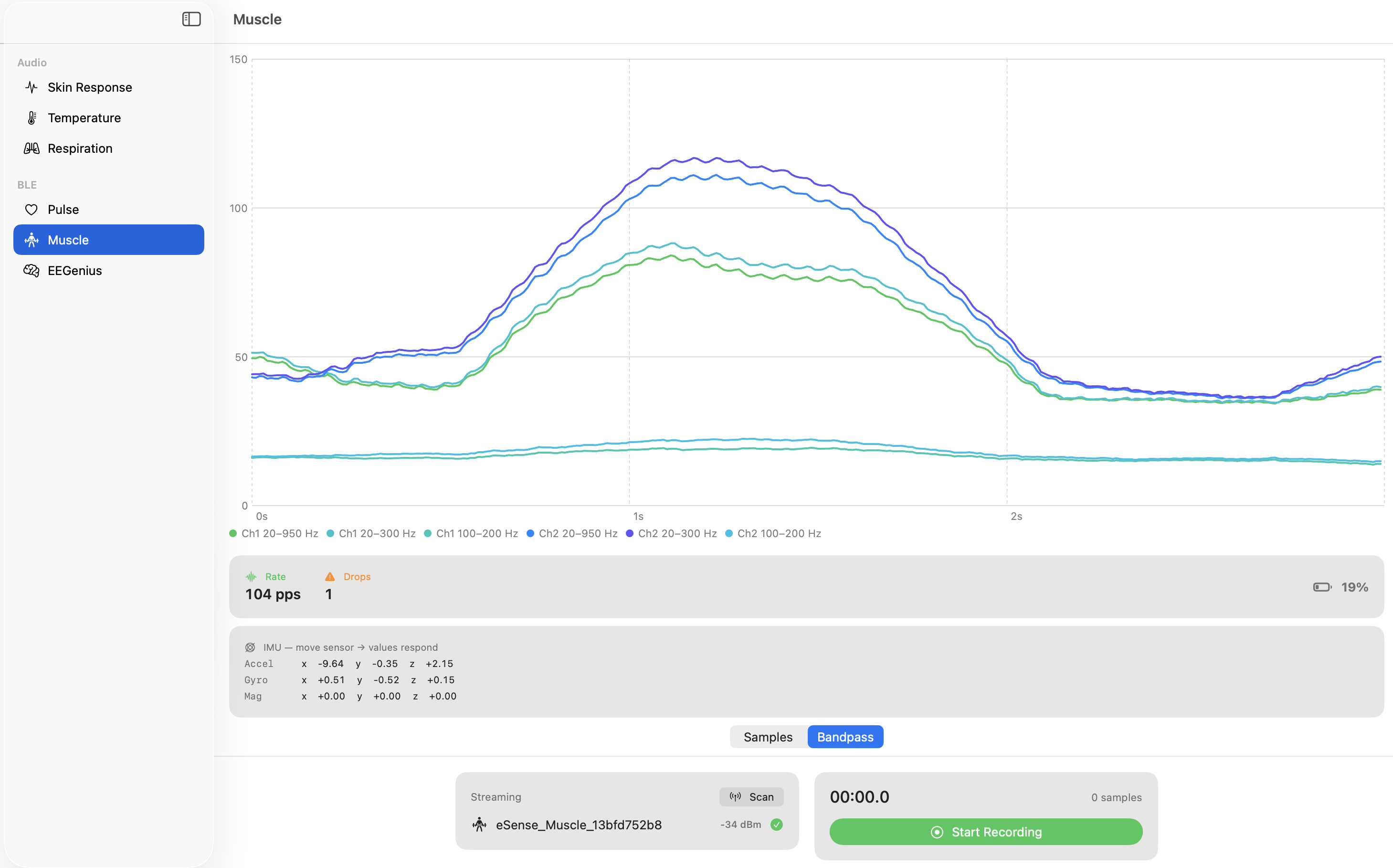
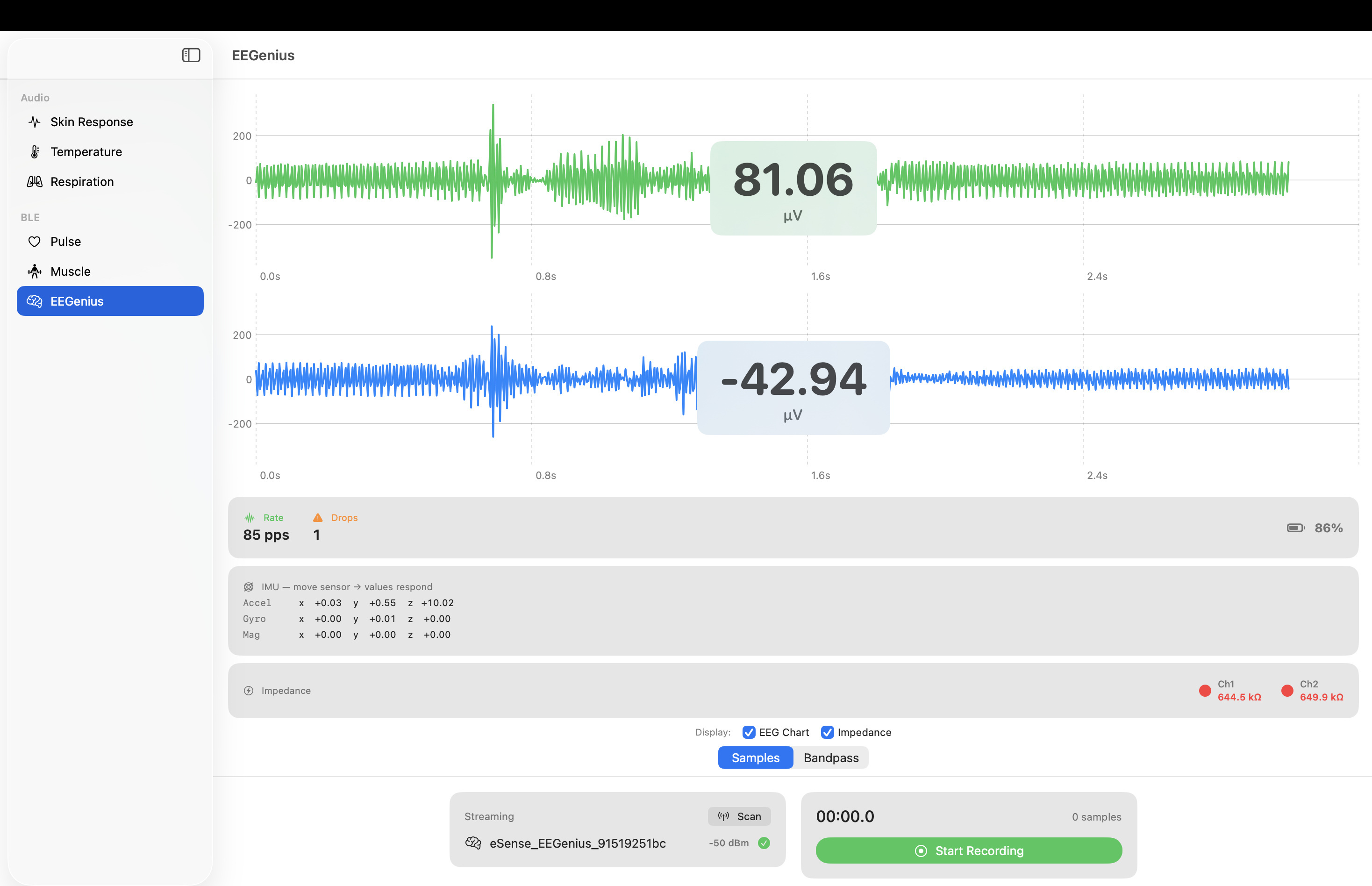
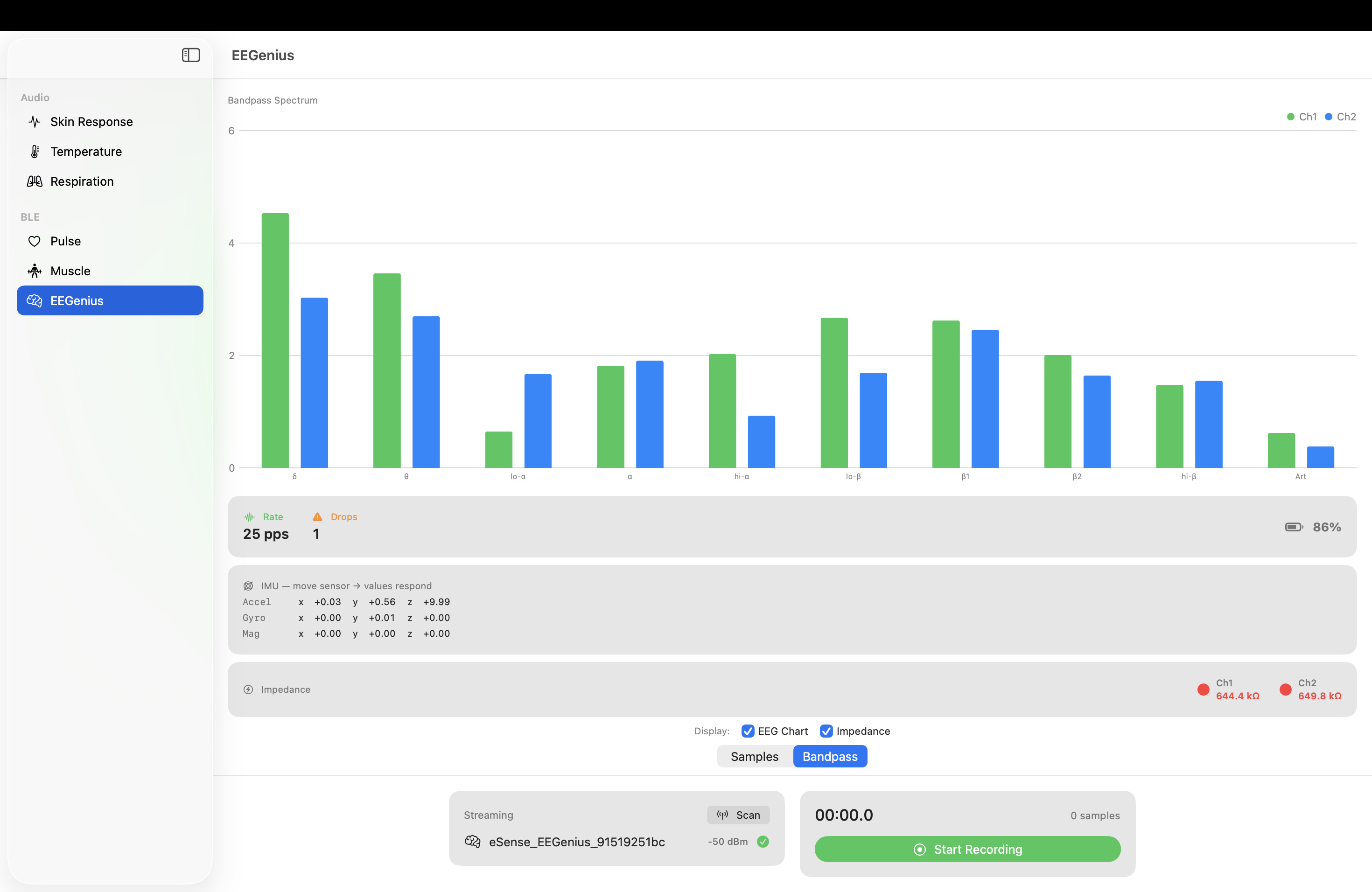
Muscle & EEGenius on the Mac
The Bluetooth sensors eSense Muscle (EMG) and eSense EEGenius (EEG) are available natively in the macOS SDK with Suite v5.0; for Unity projects also via the Unity C# plugin.
Use cases
- macOS biofeedback app — native desktop application for training and analysis
- Research tool — data capture and export on the Mac
- Coaching software — live visualisation for trainers
- Universal app — one Swift codebase for macOS and iOS/iPadOS
Frequently asked questions
Which sensors are supported?
The three audio sensors Skin Response (µS), Temperature (°C/°F) and Respiration (RA). Pulse is connected via the Bluetooth standard. For Muscle (EMG) and EEGenius (EEG) use the Unity SDK.
Does the SDK also run on iOS?
Yes – the SDK shares a Swift Package codebase with the iOS SDK (v3.2). For mobile, cross-platform and VR apps see the eSense Mobile SDK.
How is the SDK delivered?
As a digital license by email download after ordering.
What license does the SDK have?
Unlimited commercial and non-commercial use, no royalties. Lifetime updates of the purchased platform version included.
Related products
eSense Professional Sets
- eSense Complete Set for Professional Users (incl. SDK) — all sensors plus SDK bundled
- eSense Complete Set for Professional Users (without SDK)
The individual eSense sensors
- eSense Skin Response — skin conductance (EDA · µS)
- eSense Temperature — skin temperature (°C / °F)
- eSense Respiration — respiration (RA)
- eSense Pulse — heart rate (BPM · HRV)
- eSense Muscle Home & eSense Muscle Pro — muscle activity (EMG · µV)
- eSense EEGenius — EEG (µV)
Other eSense SDKs
- eSense SDK for mobile, cross-platform & VR apps (iOS / Android)
- eSense SDK for Windows — all six sensors natively (.NET 10)
- eSense SDK for Muscle / EEGenius (C# for Unity, EMG/EEG)