

Who is the eSense Pro Set incl. mobile SDK for?
You combine professional biofeedback practice with custom app development — for example as a coach with your own branded app, as a research team with a custom study app, as a clinic with EHR integration, or as a university lab with teaching and student projects? Then this set is the right choice: all four eSense sensors plus the unlimited licence for our mobile SDK for iOS, Android, Cordova/Capacitor, Flutter, Unity and Unreal Engine. If you do not need the SDK, the same sensor package is available here without SDK.
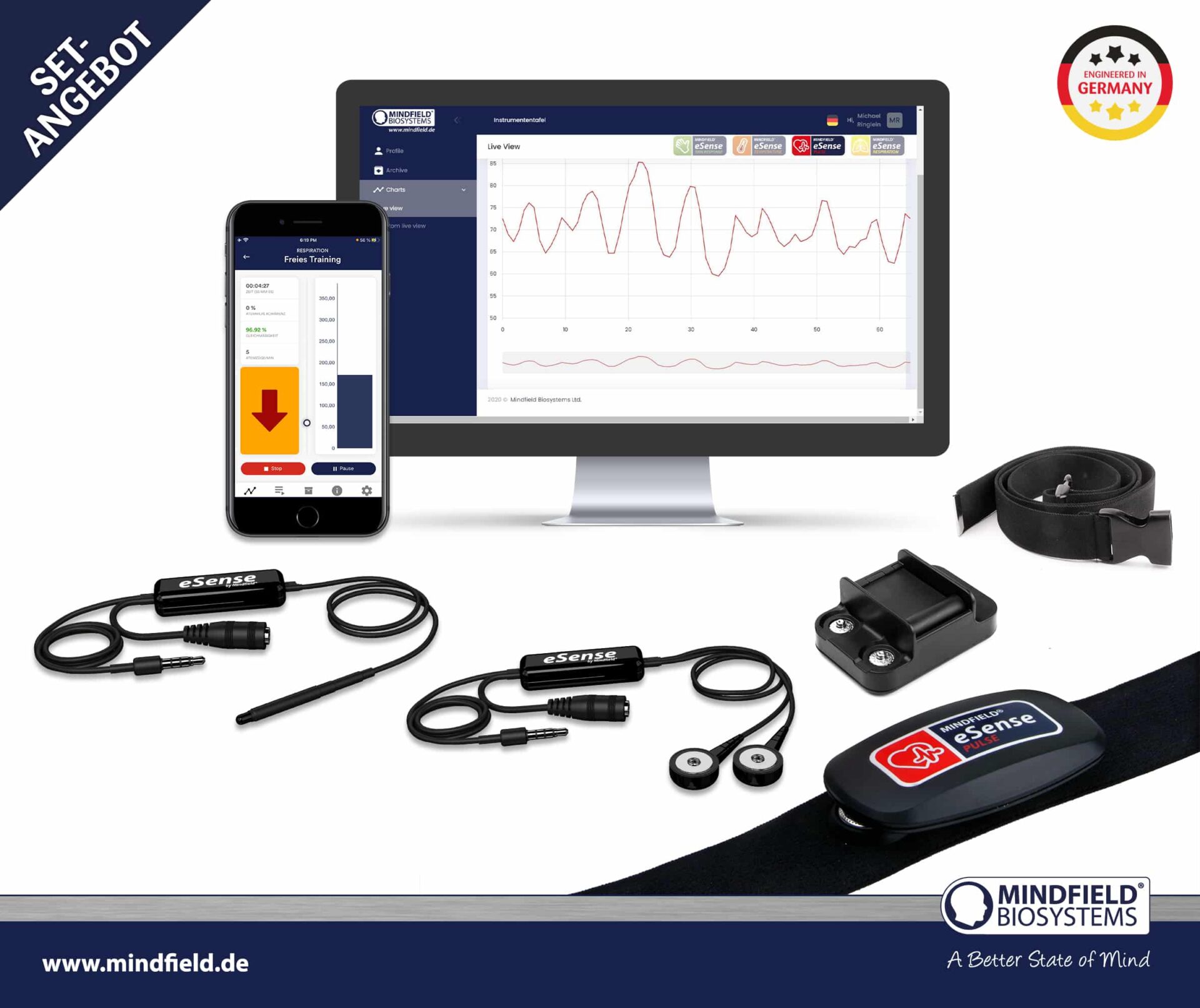
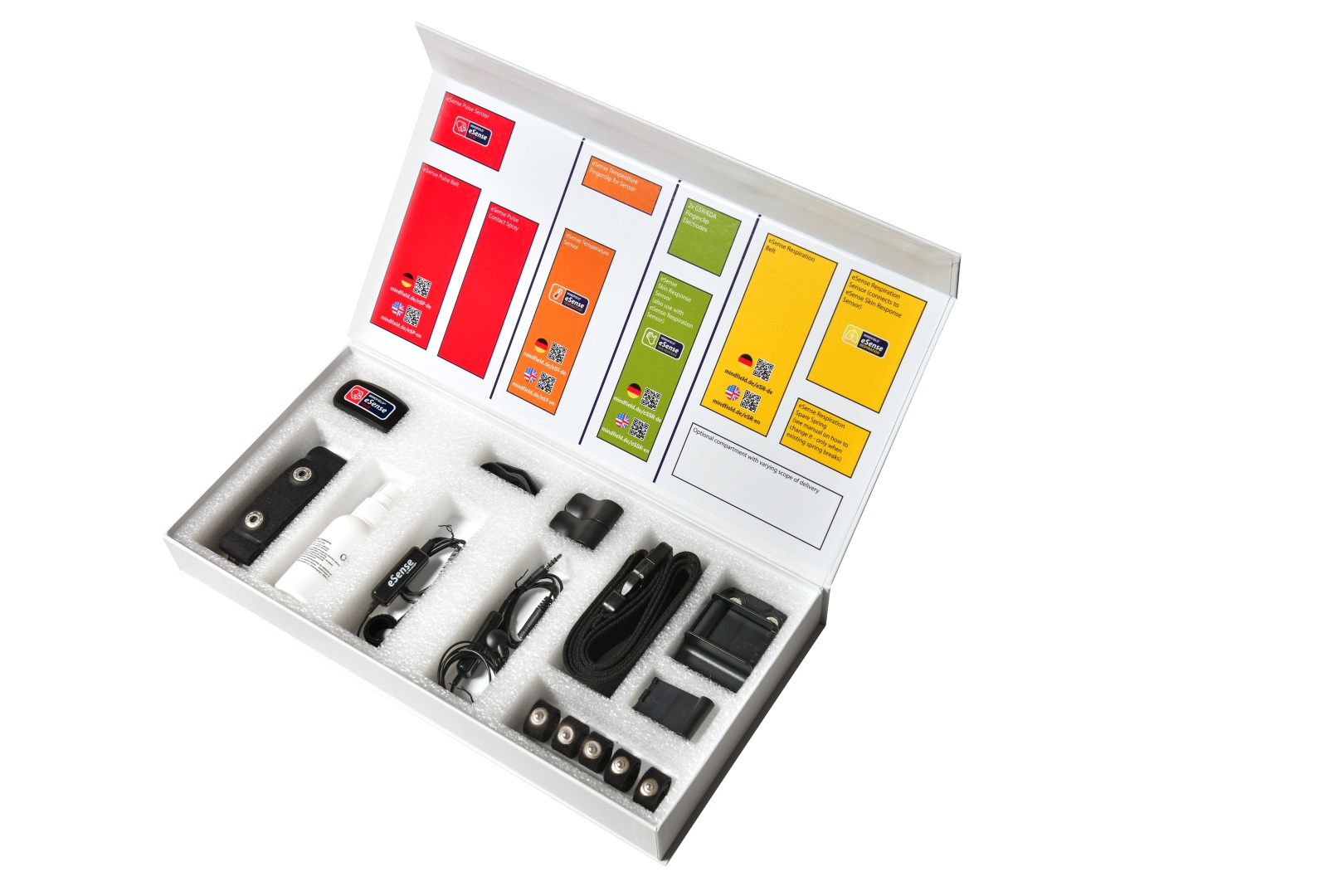
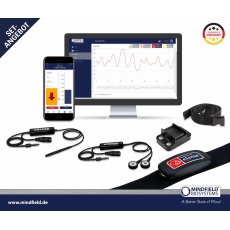
What is included
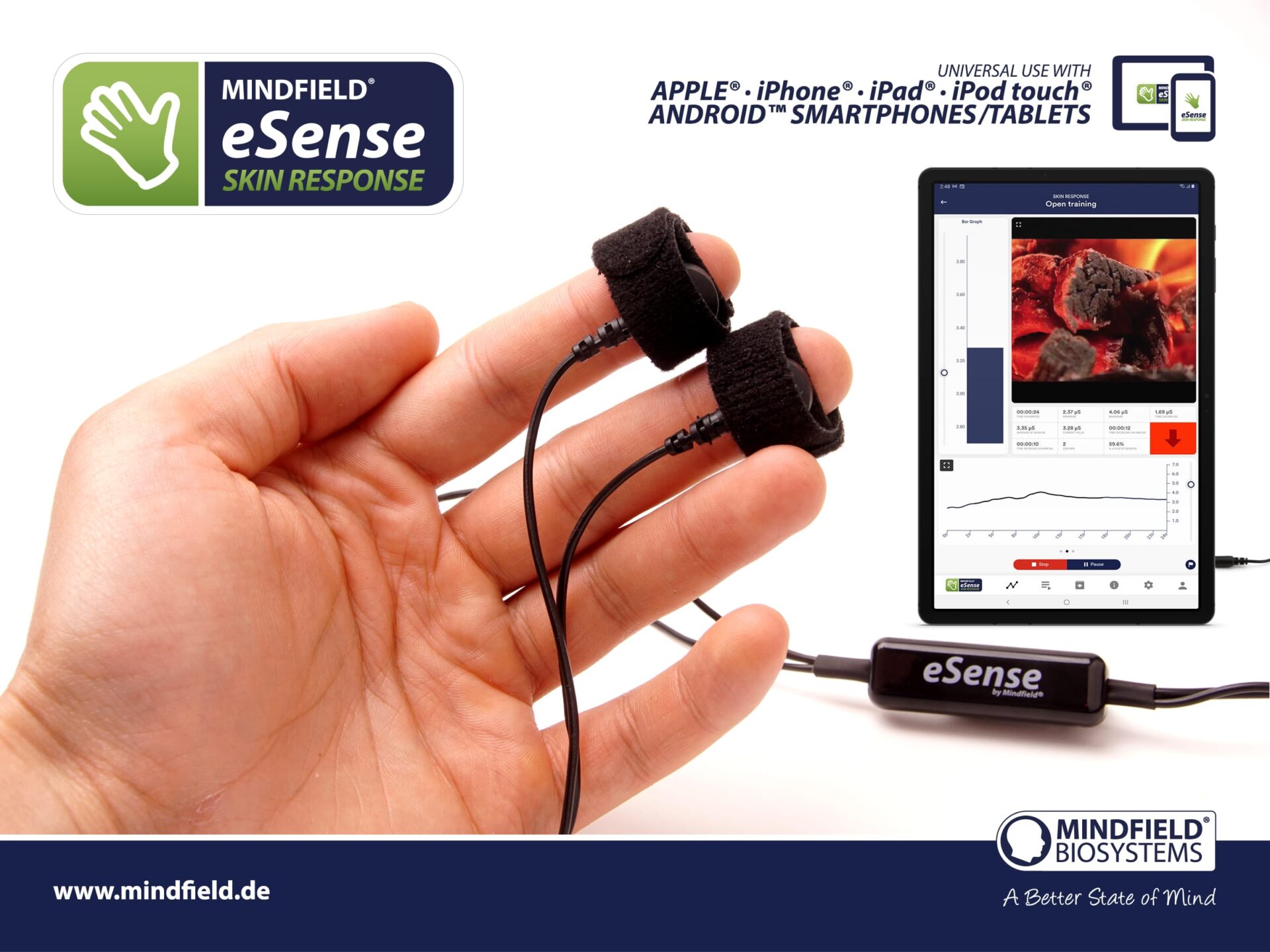
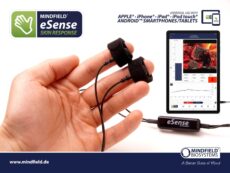
- eSense Skin Response (EDA/GSR) — skin conductance, including the bundle’s expanded electrode kit
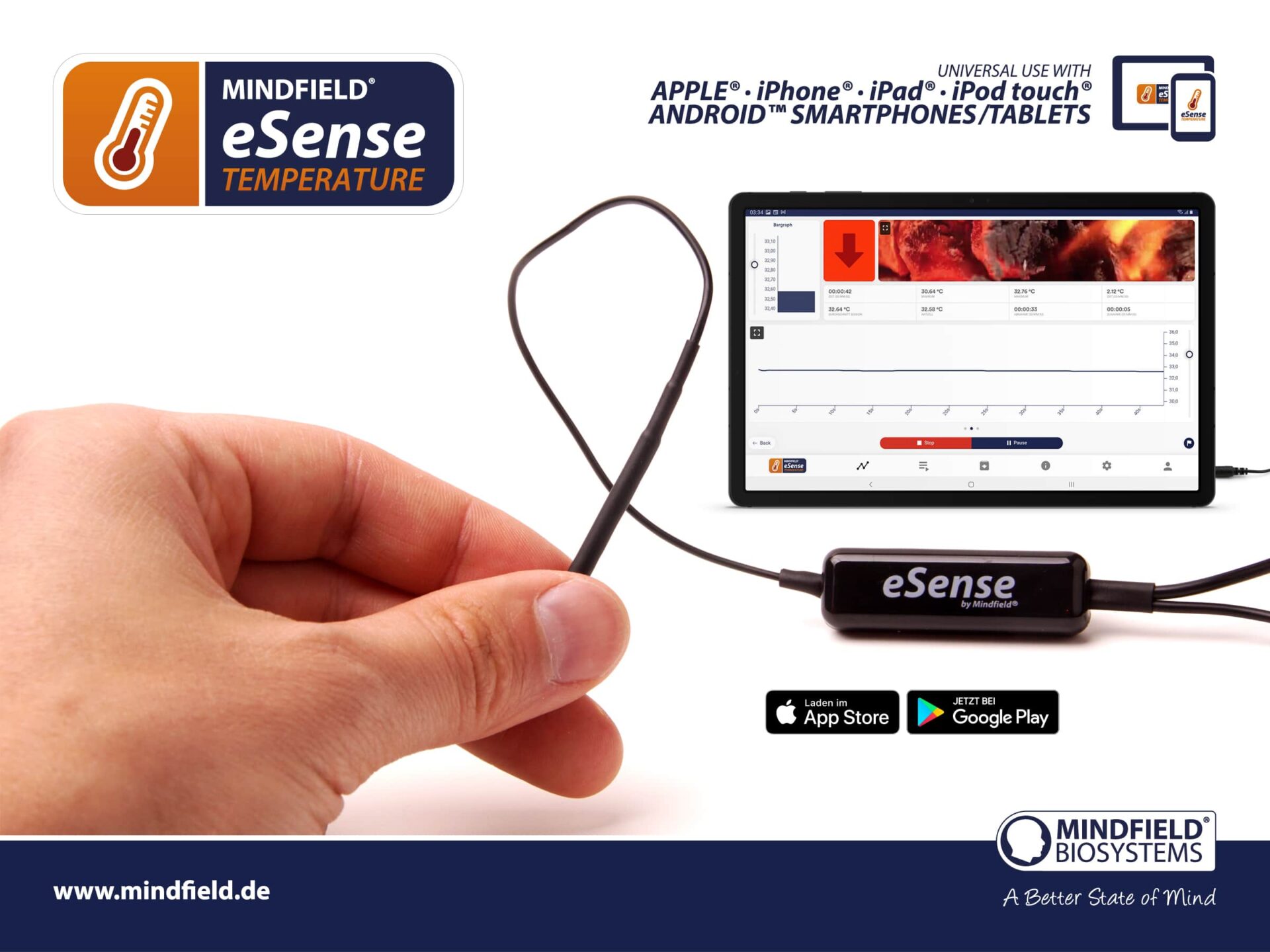
- eSense Temperature — peripheral skin temperature with fingertip clip
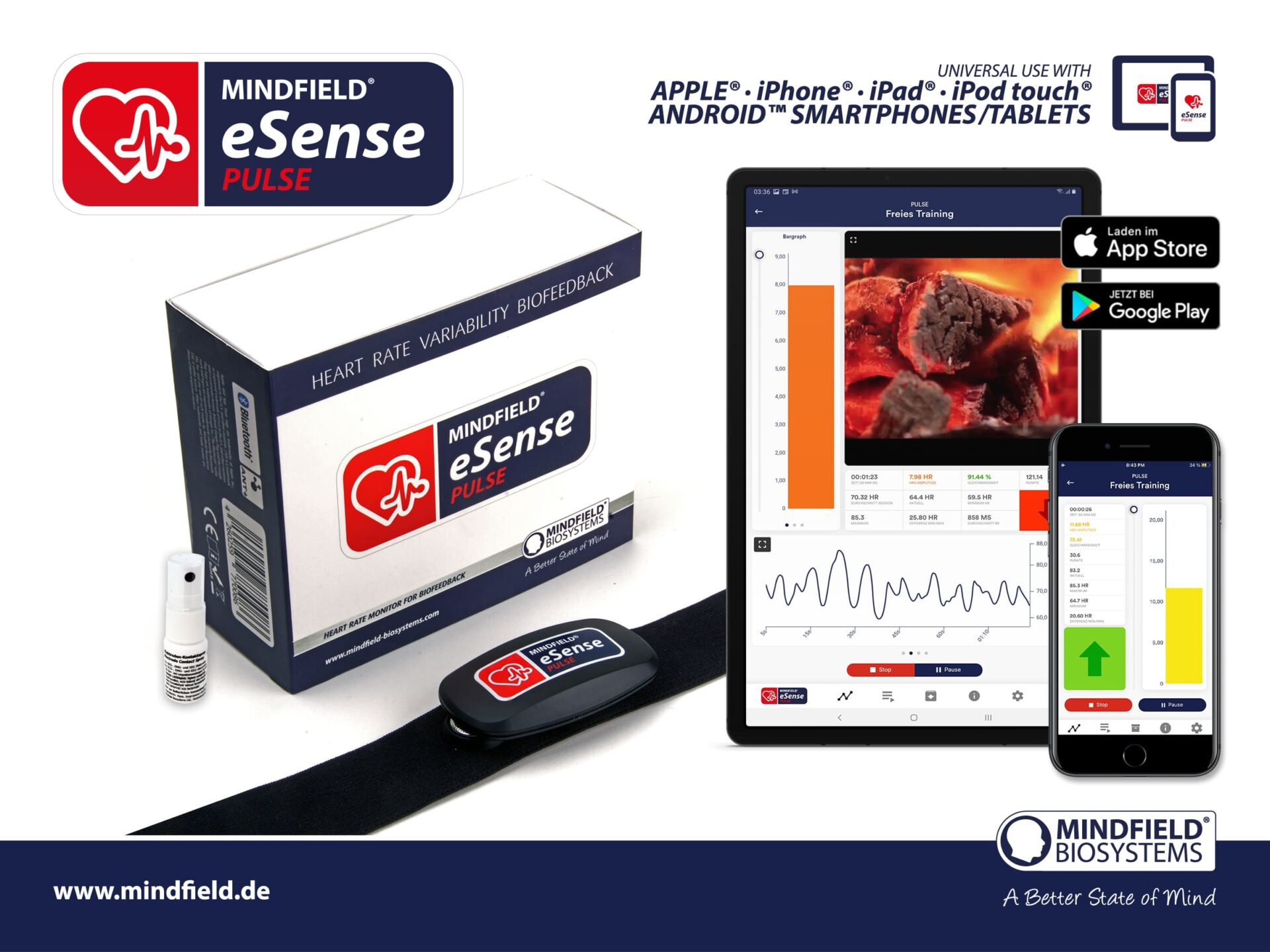
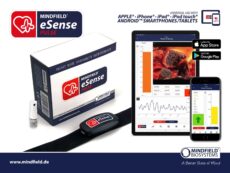
- eSense Pulse — heart rate and HRV (BPM and RR intervals) via Bluetooth® Low Energy following the standard Heart Rate Service profile
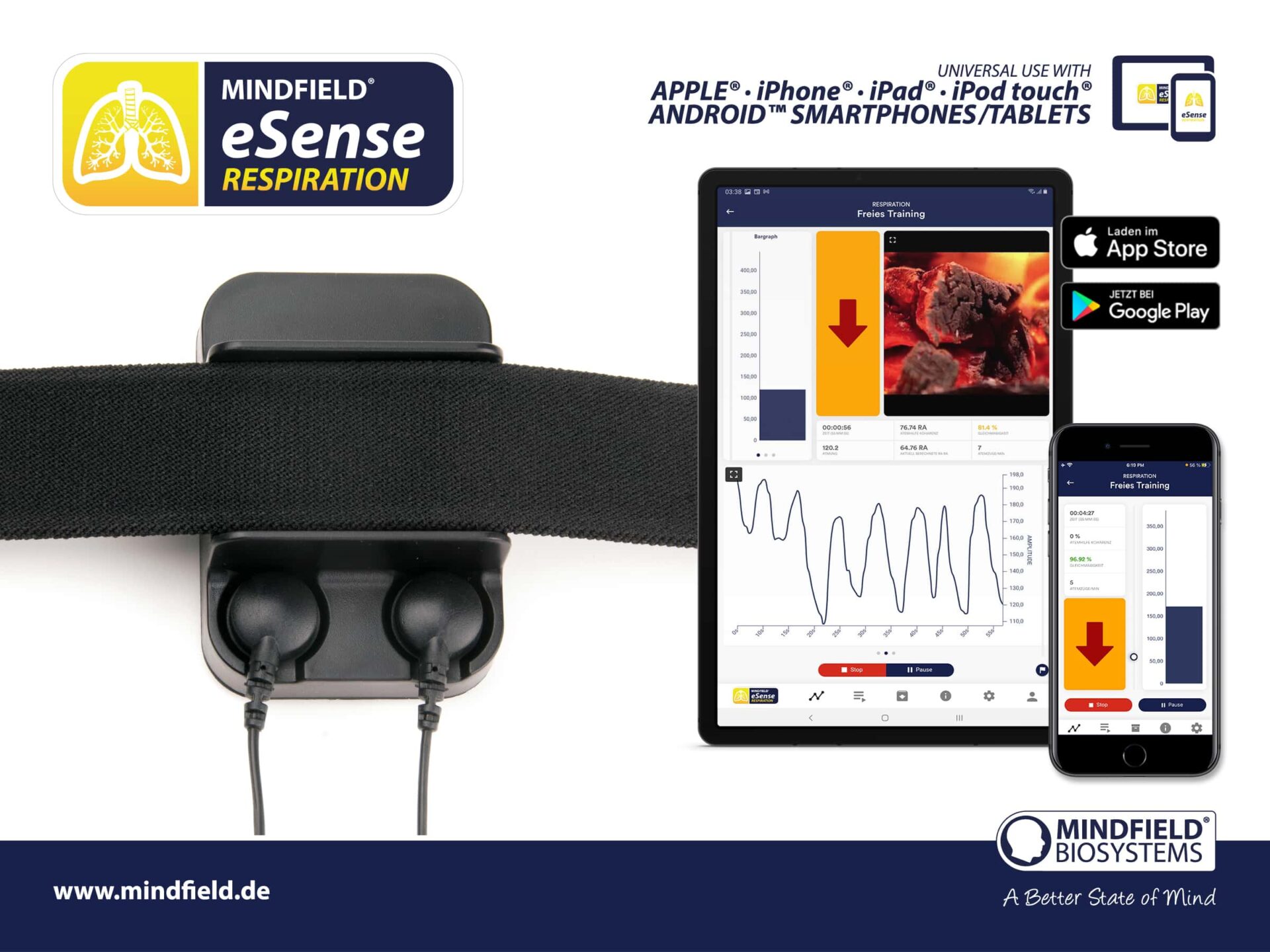
- eSense Respiration — breathing amplitude via chest or abdomen belt
- eSense SDK — mobile SDK for iOS, Android, Cordova/Capacitor, Flutter, Unity (audio plugin) and Unreal Engine 5.4 (incl. Meta Quest VR support); royalty-free for commercial and non-commercial projects, unlimited
- 60 minutes premium support via Google Meet — individual onboarding for you and your developer team
- Premium support via email with prioritised response time (also for SDK questions)
- 3× premium account for the eSense Web Dashboard at esense.live, valid for 12 months
- Supervisor account for 12 months linked to the three premium accounts
- Optional add-on: 3.5 mm jack adapter for Apple (Lightning or USB-C) or Android (USB-C)
Use cases for professional B2B applications
1. Clinics with their own patient app
Integrate the eSense sensors into an existing patient app (therapy companion, stress monitoring, home training) and use the SDK decoder library to feed measurements directly into your clinic database or EHR. HIPAA / GDPR compliant architecture remains entirely on your side — the SDK library only provides calibrated sensor values.
2. Coaches with their own branded app
Mental coaches and performance trainers build a white-label app under their own brand on top of the SDK — with custom exercises, training plans and client login. SDK platforms Cordova/Capacitor, Flutter and Unity allow hybrid and cross-platform apps with minimal native code.
3. Research with custom study apps
Scientific users build tailor-made study apps with the SDK: precise stimulus timing, targeted trigger events, parallel recording with eye tracking, audio or video, direct storage in the study database. The Pulse connection via the standard BLE Heart Rate Service is compatible with all common HRV research toolkits.
4. VR and XR applications with Unreal / Unity
Game developers, XR studios and research labs use the Unreal Engine plugin (UE 5.4) and the Unity audio plugin for VR applications on Meta Quest 3 / Quest Pro: breathing- or EDA-controlled game mechanics, biofeedback-driven relaxation experiences, research setups for immersion or stress measurement in VR. Quest VR support is verified for the Unreal plugin.
Complete set vs. individual purchase — what you actually save
Buying the four eSense sensors individually plus the standalone SDK licence (product 3945) costs significantly more than the set price. The set additionally includes:
- Unlimited SDK licence for commercial and non-commercial projects (otherwise licensed via standalone product 3945)
- 3× premium web dashboard account for 12 months
- 1× supervisor account for 12 months
- 60 minutes premium support via video call — onboarding for both clinical practice and developer team
- Compatibility guarantee: all sensors validated with the current SDK
The set is the fastest option if you want to cover both practice workflow and custom development — without separate orders and with consolidated premium support for both sides.
Software workflow: from sensor to analysis
The set covers the full data workflow — from live measurement through client session to your own development.
eSense App (iOS and Android)
The free eSense App is a reference implementation for your own apps and usable as a validation tool: all sensors live, guided exercises, CSV export.
eSense Web App and cloud dashboard
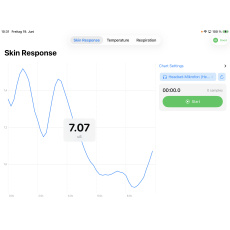
Via esense.live: real-time streaming, session archive per client, supervisor analysis, CSV export.
OSC streaming to third-party software
Open Sound Control to BioEra, Pure Data, Max/MSP, TouchDesigner or your own visualisation solutions.
CSV export and session archive
Each session can be exported as CSV. Supervisor account access to the full session archive of all linked clients.
Smart home and Hue integration
Direct Philips Hue integration in the eSense App; any other smart home systems via OSC.
Mobile eSense SDK — scope and platforms
The eSense SDK included in the set is the software development licence with which you build your own apps for the eSense sensors. The licence is unlimited for commercial and non-commercial projects.
Which sensors the SDK covers
The SDK contains native decoder libraries for the three audio-based eSense sensors — they transmit their measurement values as a frequency-modulated audio signal through the smartphone or tablet’s 3.5 mm jack:
- eSense Skin Response — skin conductance (EDA/GSR) in kΩ or µS
- eSense Temperature — skin temperature in °C or °F
- eSense Respiration — breathing amplitude (RA)
The eSense Pulse does not require its own SDK: it follows the standard Bluetooth® Low Energy Heart Rate Service from the Bluetooth® SIG (service UUID 0x180D). The Heart Rate Measurement Characteristic provides both heart rate (BPM) and the RR intervals in milliseconds — everything you need for HRV analysis. Connection happens through the standard BLE API of each platform (iOS Core Bluetooth, Android BluetoothGatt, Web Bluetooth, Windows Windows.Devices.Bluetooth). The SDK contains code samples and documentation for the Pulse integration.
Supported platforms
- iOS — Swift Package, Core Bluetooth integration for Pulse
- Android — Kotlin (Java compatible), AAR dependency, audio + BLE
- Cordova / Ionic — JS plugin (Cordova Audio Input, Cordova LSL, Cordova Hue)
- Capacitor — TypeScript plugin (
capacitor-plugin-esense,capacitor-osc,capacitor-lsl) - Flutter — Dart plugin (
esense_flutter) - Unity — audio plugin in C# (AudioClip / Microphone API wrapper)
- Unreal Engine 5.4 — Blueprint API with ESenseComponent, incl. Meta Quest VR support
Delivery format and licence
Demo app per platform, decoder library, full documentation. Unlimited and royalty-free licence for commercial and non-commercial projects (no license key server, no subscription fee).
What the mobile SDK does NOT contain
The BLE-based devices eSense Muscle (2-channel EMG) and eSense EEGenius (2-channel EEG) have a separate SDK in C# for Unity — see product 30441 (EN). It is shipped including a test device (Muscle or EEGenius with electrode cables in a case). For Windows development the Windows SDK (18001) is available. A macOS SDK is in preparation.
Scientific background
The sensors in the set are based on established psychophysiological measurement methods:
- Electrodermal activity (EDA / GSR) — skin conductance as an indicator of sympathetic activation.
- Peripheral skin temperature — a marker of peripheral vasoconstriction tone; rising temperature indicates parasympathetic dominance.
- Heart rate variability (HRV) — RR interval variability as a vagal measure. eSense Pulse delivers RR intervals via the standard BLE HRS, compatible with Kubios HRV Premium and similar research toolkits.
- Breathing amplitude and frequency — breathing biofeedback for self-regulation and resonance breathing (~6/min).
The eSense sensors deliver calibrated raw values in standardised units and are therefore suitable for quantitative analysis and studies. An overview of relevant studies is available at mindfield.de. The measurements support training and awareness processes — they do not replace medical diagnosis.
Frequently Asked Questions
Which eSense sensors are included in the complete set?
Skin Response (EDA/GSR), Temperature, Pulse and Respiration — all four currently available eSense sensors in one package, plus the mobile SDK licence.
Which adapter do I need for my iPhone or Android device?
iPhones from model 7 require a Lightning-to-3.5 mm adapter, iPhones from model 15 a USB-C-to-3.5 mm adapter, current Android devices a USB-C adapter. Adapters are an optional add-on; the eSense Pulse pairs wirelessly via Bluetooth® LE and does not need an adapter.
Can I stream the data from the app to a PC?
Yes — via the eSense Web App at esense.live you can see your client’s measurement curves live in the browser as the trainer. Additionally there is OSC streaming to third-party software (BioEra, Max/MSP, custom apps) and CSV export per session.
What is the difference between the complete set and individual purchase?
The set includes the unlimited mobile SDK licence, 60 minutes of premium support via video call, 3× premium web dashboard accounts for 12 months, a supervisor account for centralised client data analysis, and a price advantage over buying the sensors individually plus the separate SDK licence (product 3945).
How does the cloud analysis of sessions work?
Each client receives their own premium account on the web dashboard. As the trainer you have access to all three linked client accounts via the supervisor account, can see real-time streams, compare sessions and export CSV data.
Do I need technical knowledge to set it up?
For pure sensor use, no — plug in sensor, start app, done. For SDK development you need a developer team experienced with the respective platform (iOS/Android/Cordova/Flutter/Unity/Unreal). The included demo app shows a complete integration path for each platform.
Which platforms does the mobile SDK support?
iOS (Swift), Android (Kotlin/Java), Ionic + Cordova + Capacitor (hybrid apps), Unity (audio plugin in C#), Flutter and Unreal Engine 5.4 (incl. Meta Quest VR). Royalty-free for commercial and non-commercial use, unlimited.
Which eSense sensors does the mobile SDK cover?
The SDK contains native decoder libraries for eSense Skin Response, Temperature and Respiration (audio-based via the 3.5 mm jack / USB-C DAC adapter). The eSense Pulse does not require its own SDK — it uses the standard Bluetooth® LE Heart Rate Service (Bluetooth SIG, UUID 0x180D). The Heart Rate Measurement Characteristic provides BPM and RR intervals. Full description and code samples for the BLE integration are included in the SDK.
What about eSense Muscle and EEGenius?
These two BLE-based devices (2-channel EMG and 2-channel EEG respectively) have their own SDK in C# for Unity development — with demo Unity project, decoder library and documentation. It ships including a test device and is available as a standalone product (see product 30441). Also suitable for VR applications.


Reviews
There are no reviews yet.